Hatch Alarm Clocks: Sleep Clock, Restore 3 and Family Models

Do you want sleep tracking, a sunrise alarm, or a child’s bedtime cue?

Hatch Sleep Clock adds contactless sleep estimates to an adult bedside routine. Restore 3 provides sunrise, sound and physical routine controls without sleep tracking. Hatch Baby and Rest+ 2nd Gen serve a different purpose: a child’s sound, light and bedtime cues. Paying more for an adult model does not make it the right nursery device.

For a new adult purchase, compare Sleep Clock with Restore 3 first. Keep Restore 2 and the original Restore in the conversation when you already own one or find a specific discounted listing. For a child’s room, decide whether the device must keep playing away from its outlet before choosing between Baby and Rest+.

Author: TOPCLOCKS Editorial TeamUpdated: August 28, 2026
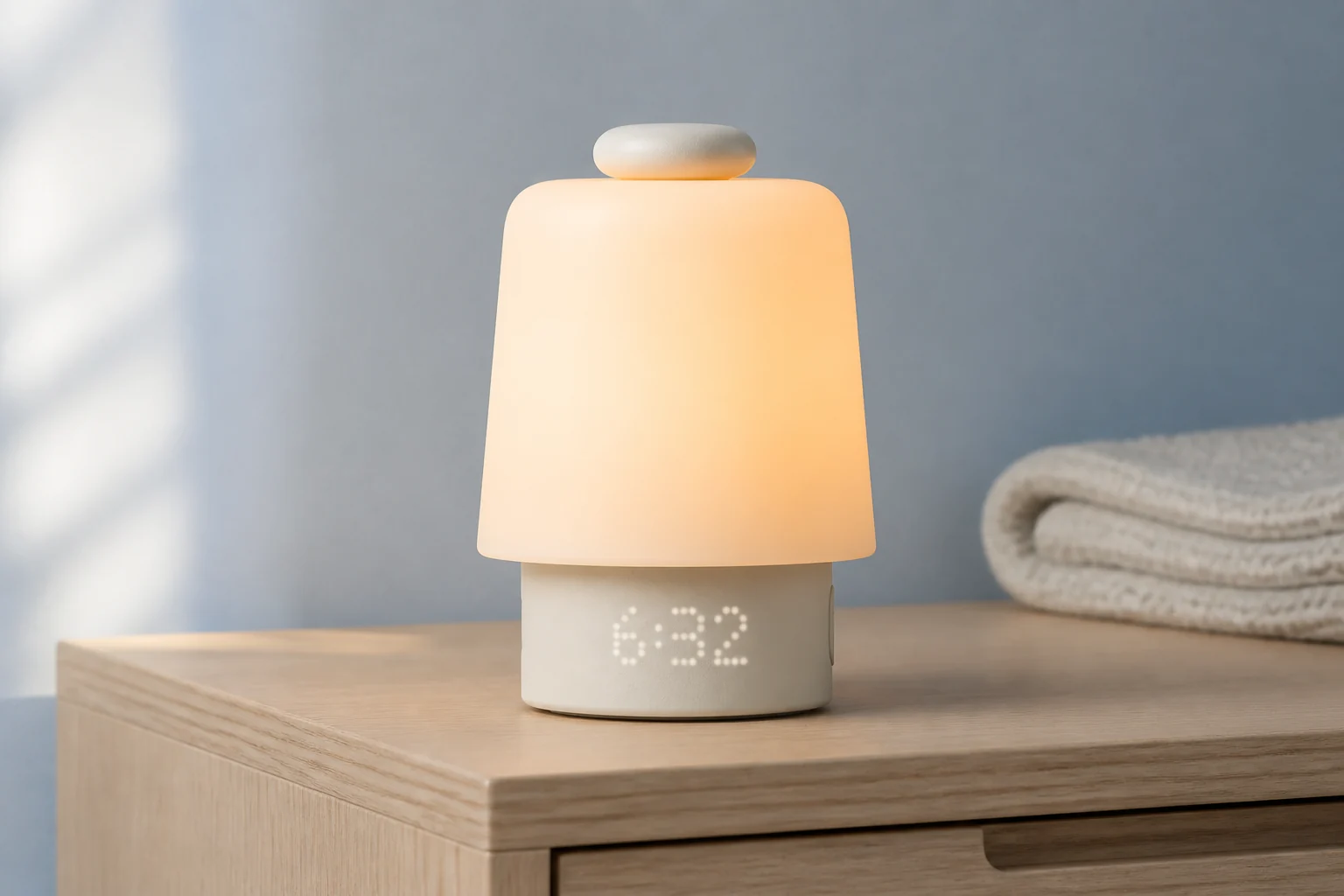
Hatch Sleep Clock in Putty on a light oak nightstand beside white bedding
Hatch Sleep Clock. Editorial scene based on the manufacturer’s model photograph.

Choose the job before the Hatch model

If you reach for a phone just to start a sound or dismiss an alarm, bedside controls address that problem directly. You do not need sleep tracking for those actions. Sleep Clock adds information about the night, including estimates you can compare with when you remember going to bed. Decide what you would do with that information before paying for it.

Already own a working Hatch? Write down what it fails to do before looking at an upgrade. “I want a different bedtime sound” and “I want sleep-stage estimates” lead to different purchases. Changing the routine on an existing clock may address the first problem; buying another generation is not a prerequisite. The Sleep Clock versus Restore 3 comparison separates these decisions.

This guide uses current manufacturer documentation, with the important limits retained. It is not a report of measured sound levels, clinical sleep testing or long-term ownership. The full reviews linked below cover each exact model in more detail.

Side-by-side comparison

Hatch models compared by their actual role

The last column identifies a check that could change your purchase. Age alone does not decide whether a model suits its owner. Sleep tracking below means Sleep Clock’s sensor-derived information; a bedtime schedule entered in an app is a different feature.

Adult and family Hatch devices: the differences that change the choice
ModelMain roleSleep trackingPower or setup distinctionCheck before buying
Sleep ClockAdult sunrise, audio and sleep informationYes; estimates for one primary sleeperApp, 2.4 GHz Wi-Fi and suitable sensor positionWill the information change a habit?
Restore 3Adult sunrise and sound routinesNoApp setup; physical nightly controlsIs tracking unnecessary for your goal?
Restore 2Earlier adult sunrise modelNot Sleep Clock trackingOlder control layout; outlet poweredExact listing, condition and return terms
Original RestoreLegacy adult routine modelNot Sleep Clock trackingGeneration-specific controls and documentationWhether a discount justifies ownership checks
Hatch BabyChild-room sound, light and routine supportNot adult contactless trackingMust stay plugged in; no battery backupFixed nursery use versus portability
Rest+ 2nd GenChild-room sound, light and time-to-rise cuesNot adult contactless trackingRechargeable battery and charging baseConfirm the plus sign and generation

Sources: , , and . Documentation checked August 27, 2026.

Short Hatch model picks

Open a card’s details to see its limitations and the checks to make before buying. Full-review links stay within TOPCLOCKS. Retailer buttons open a product listing, with partner links labeled separately from manufacturer information.

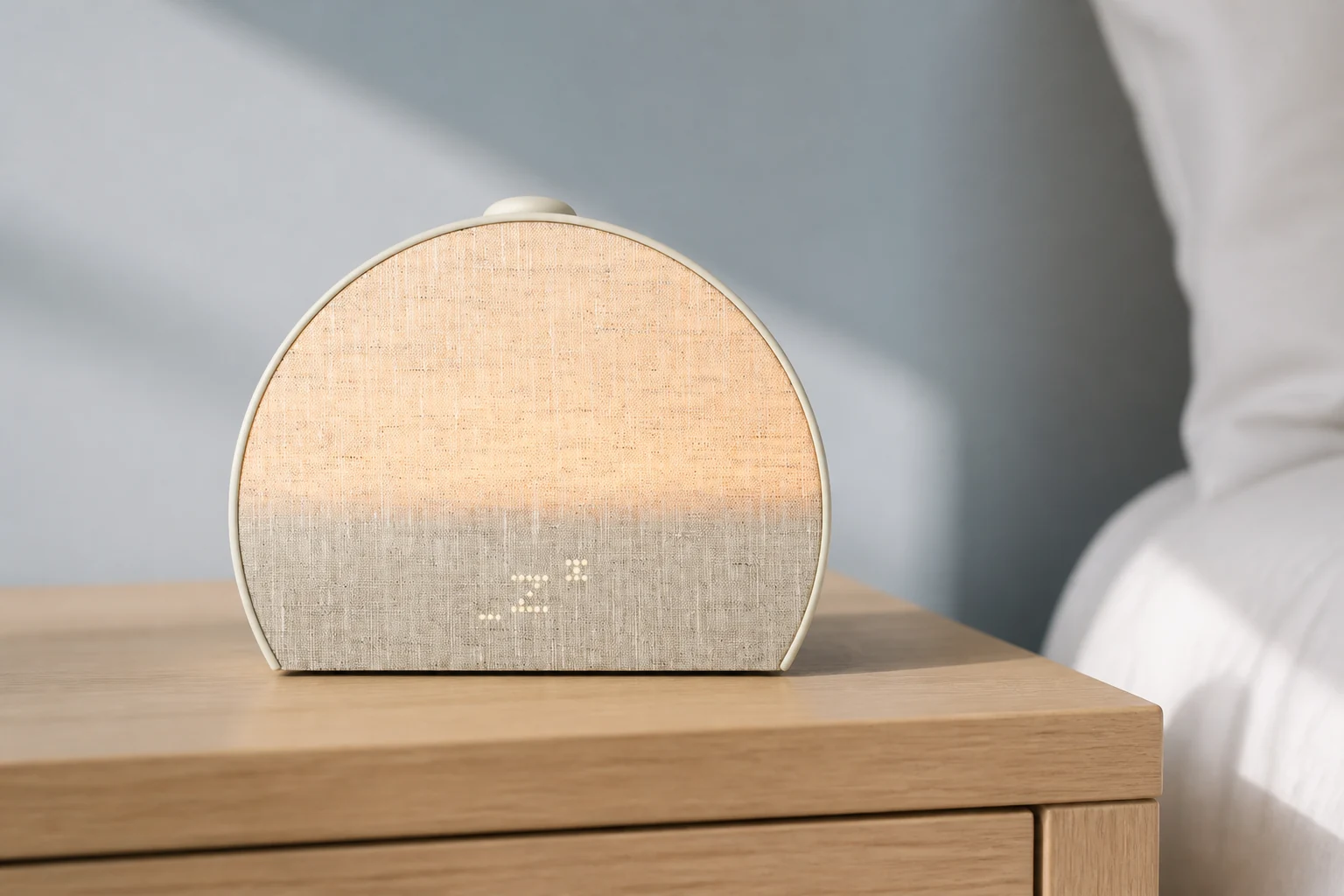
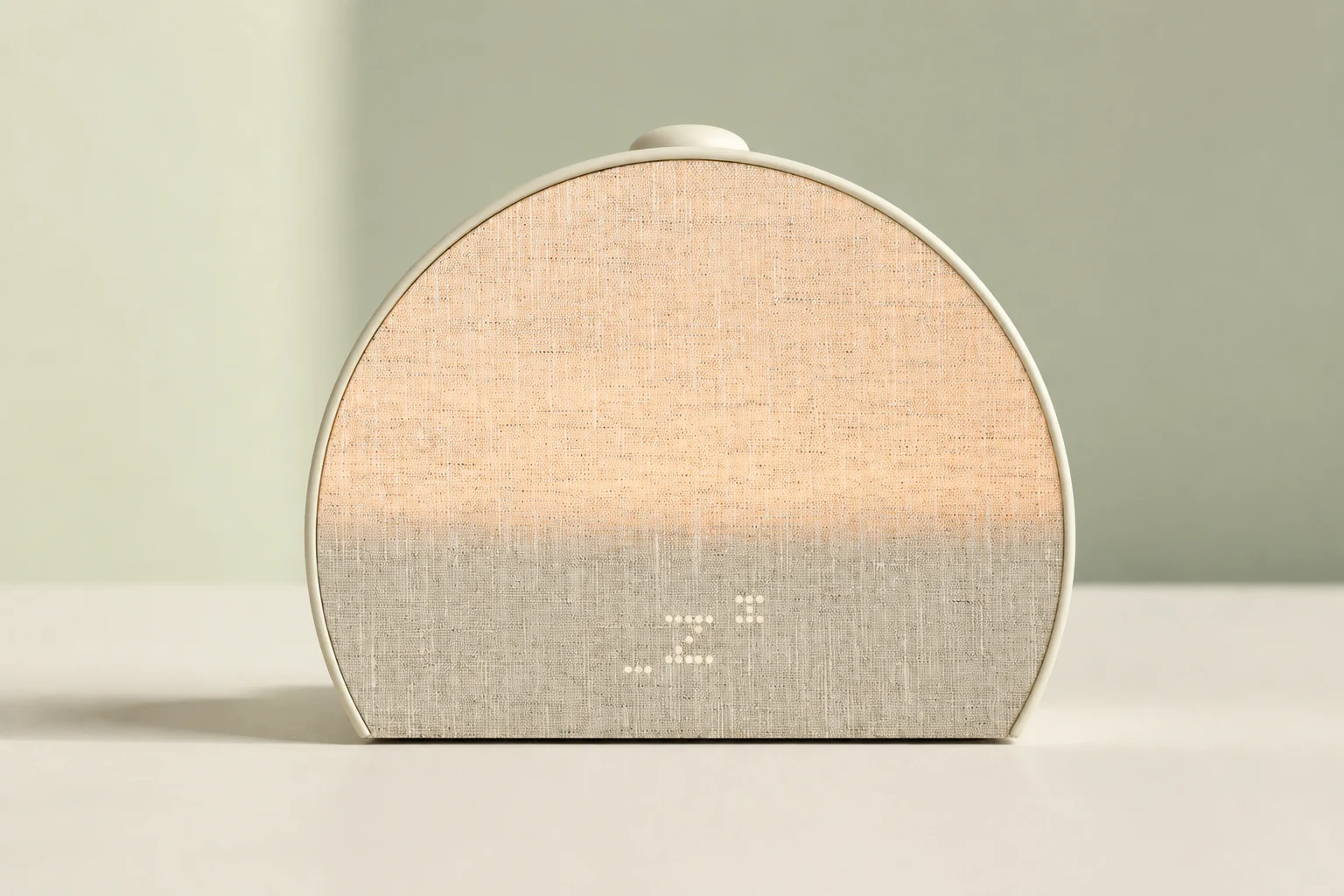
Front view of the Putty Hatch Sleep Clock with its warm fabric light and sleep symbol

For sleep information

Hatch Sleep Clock

Choose it when the question is what happens between going to bed and getting up. Hatch adds contactless estimates and insights to the familiar sunrise-and-audio routine. It does not turn the nightstand into a medical monitor, and its results should not be treated as direct measurements of brain activity.

Fit, limitations and buying check

The room matters. Hatch’s tracking instructions describe one primary sleeper and warn that a shared bed or nearby pet can affect results. Check the position beside your own sleeping area before assuming the device will identify your night reliably. A crowded shelf facing away from the bed may be convenient for the lamp but unsuitable for sensing.

Paying for more information makes sense when you have a specific use for it, such as comparing a planned bedtime with the following week’s pattern. If you do not want to review those estimates, keep Restore 3 on the shortlist. Read the before choosing.
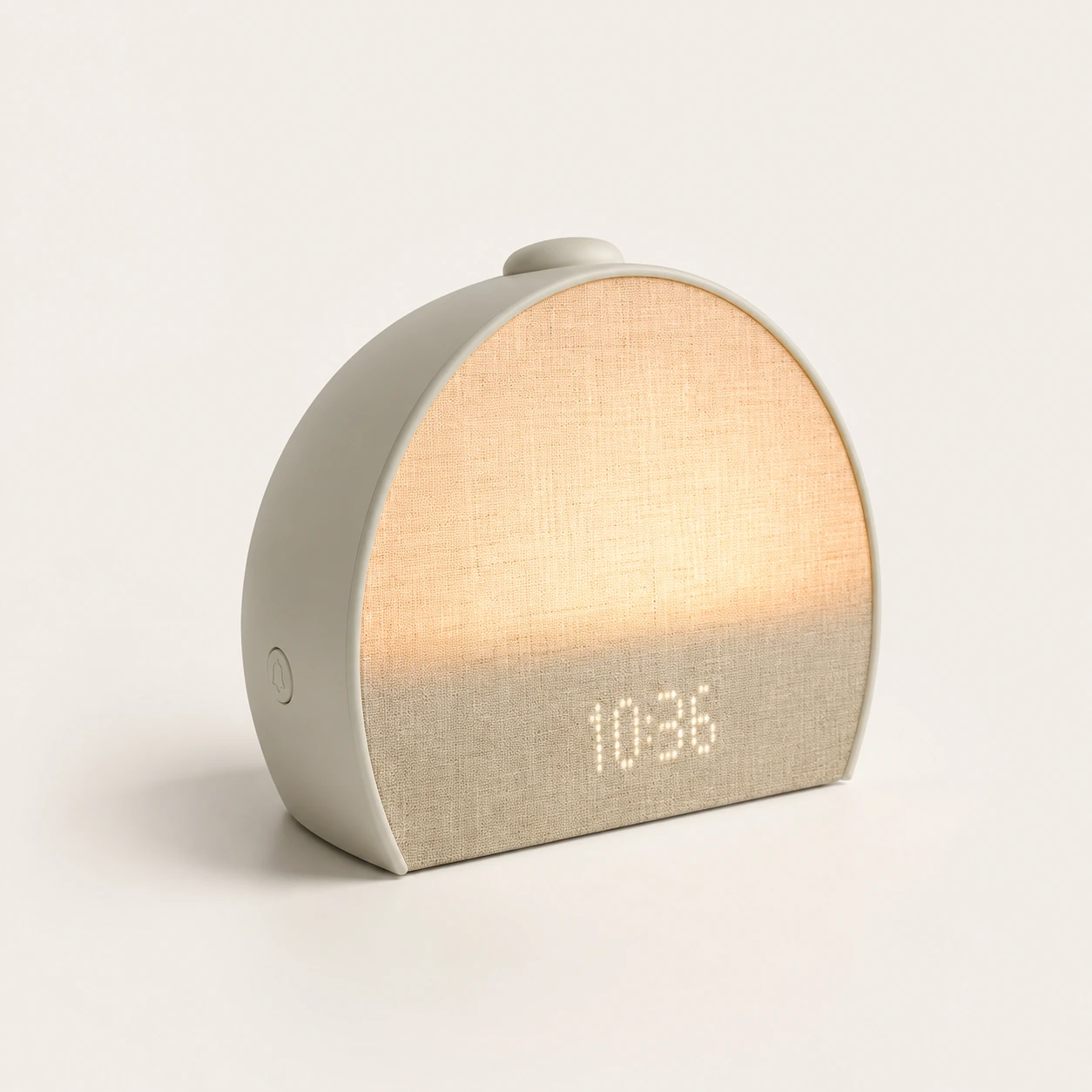
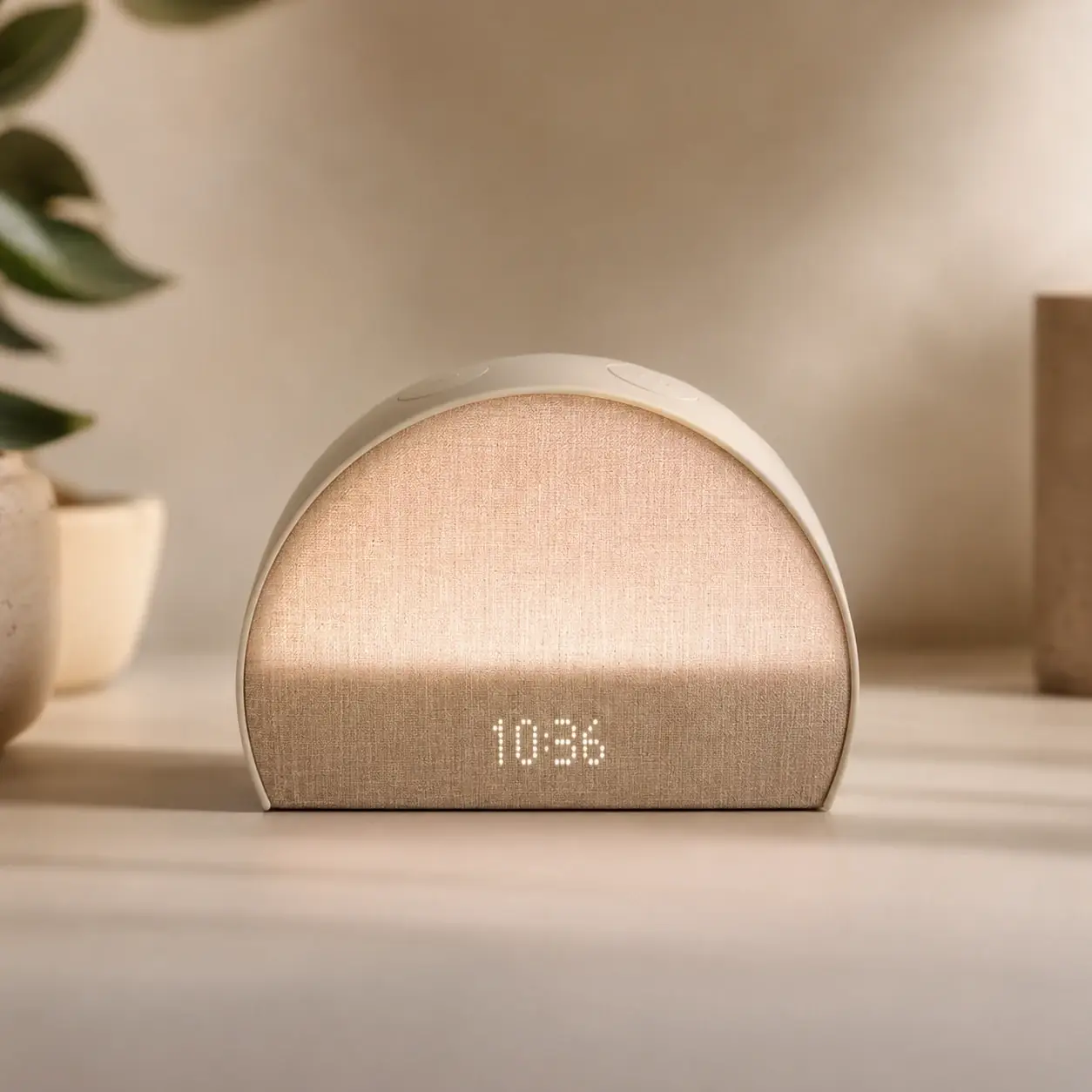
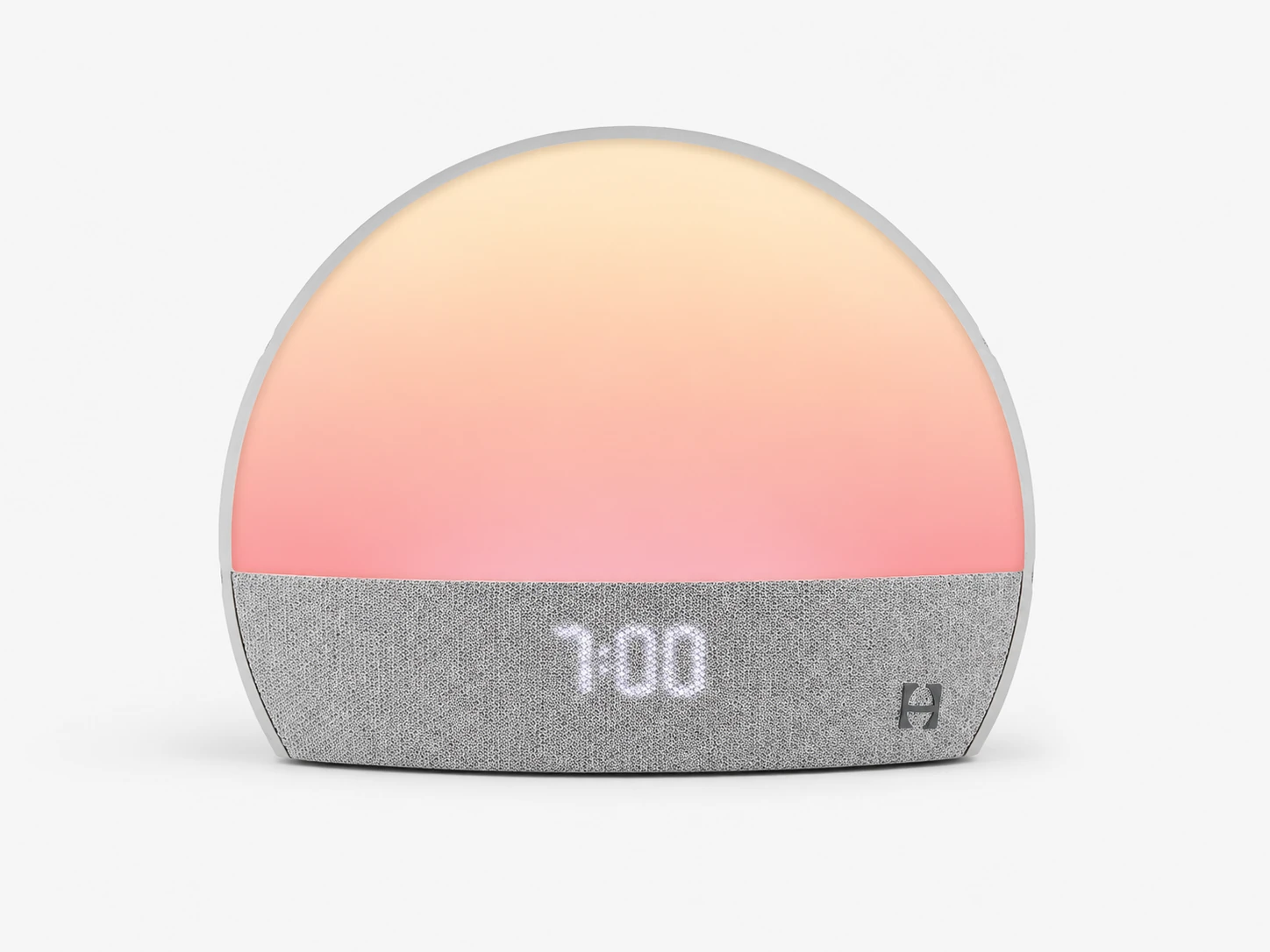
Hatch Restore 3 with a woven fabric front and warm bedside light

For an adult routine

Hatch Restore 3

Restore 3 is the starting point when you want a sunrise alarm and bedtime sound without a sleep-data project. Its physical controls handle the routine after app setup. The Swap button changes Unwind content; the main top dial changes volume. Those are useful everyday differences, not evidence that it will wake every sleeper.

Fit, limitations and buying check

Review the and identify which action starts, pauses and stops the routine. A large button is only convenient if the person using it understands the difference between a tap and a hold.

For an existing Restore 3 owner, buying Sleep Clock mainly buys the sensing capability, not permission to have a phone-down evening. Compare the new information with the work of repositioning a device and learning another feature. If the current routine already does the job, keeping it is a reasonable outcome.

Hatch Restore 2 on a bedside table in a neutral bedroom

For existing owners or a verified discount

Hatch Restore 2

Hatch says it no longer manufactures Restore 2. That changes how to judge a discount: compare the specific seller and condition, not an old recommended retail price. The model still has an adult sunrise routine, sleep sounds and a dimmable clock, as described in its .

Fit, limitations and buying check

Check that the supplied adapter, model name and photographs agree. Ask whether the item is new, refurbished or used, and read the seller’s actual return policy. A working device at home and an unknown unit from a marketplace are not equivalent buying situations.

The separate Rest and Rise buttons are part of this generation’s layout. Do not assume a Restore 3 or Sleep Clock tutorial describes every action correctly. An owner who already likes this arrangement has less reason to replace it than a new buyer who specifically wants the newer bedside controls. See Hatch’s .

The original Hatch Restore with its exposed light panel above the clock display

For a generation-specific check

Original Hatch Restore

The first Restore belongs in this guide because used listings often shorten every generation to “Hatch Restore.” Treat the photograph and model identification as part of the specification. A listing that mixes the original device with Restore 3 language leaves a question unresolved before price even enters the decision.

Fit, limitations and buying check

Compare its controls and routine options with the exact jobs you expect it to perform. Do not value it as if it included Sleep Clock sensing or the later model’s button arrangement. Keep the power requirement visible too: Hatch’s lists the original Restore among devices that need outlet power.

For an owner, continuing to use a functioning clock may be simpler than buying another one. For a buyer, allow time to check setup and the alarm before relying on the purchase. If a seller cannot identify the generation clearly, move on to a listing that can.

Hatch Baby in Putty with its rounded light, front clock display and large top button

For a fixed child-room routine

Hatch Baby

Baby combines a night-light, sound and child-focused routine support. Its Big Button and nursery purpose distinguish it from an adult Sleep Clock, even though both use the Hatch name. Hatch’s also describes schedule guidance and consultant support; these are not proof that a device will make a particular child sleep longer.

Fit, limitations and buying check

Choose the location first. Hatch states that Baby must stay plugged in and has no battery backup. If carrying the playing device from room to room is essential, that limitation should be checked before comparing colors or subscription extras.

The current advertises three months of Hatch+ included. Check what remains useful to your family after that period, rather than counting every trial feature as a permanent part of the hardware. For placement and operation in a child’s room, follow the model’s instructions; this buying guide does not set a universal sound level or sleep-training plan.

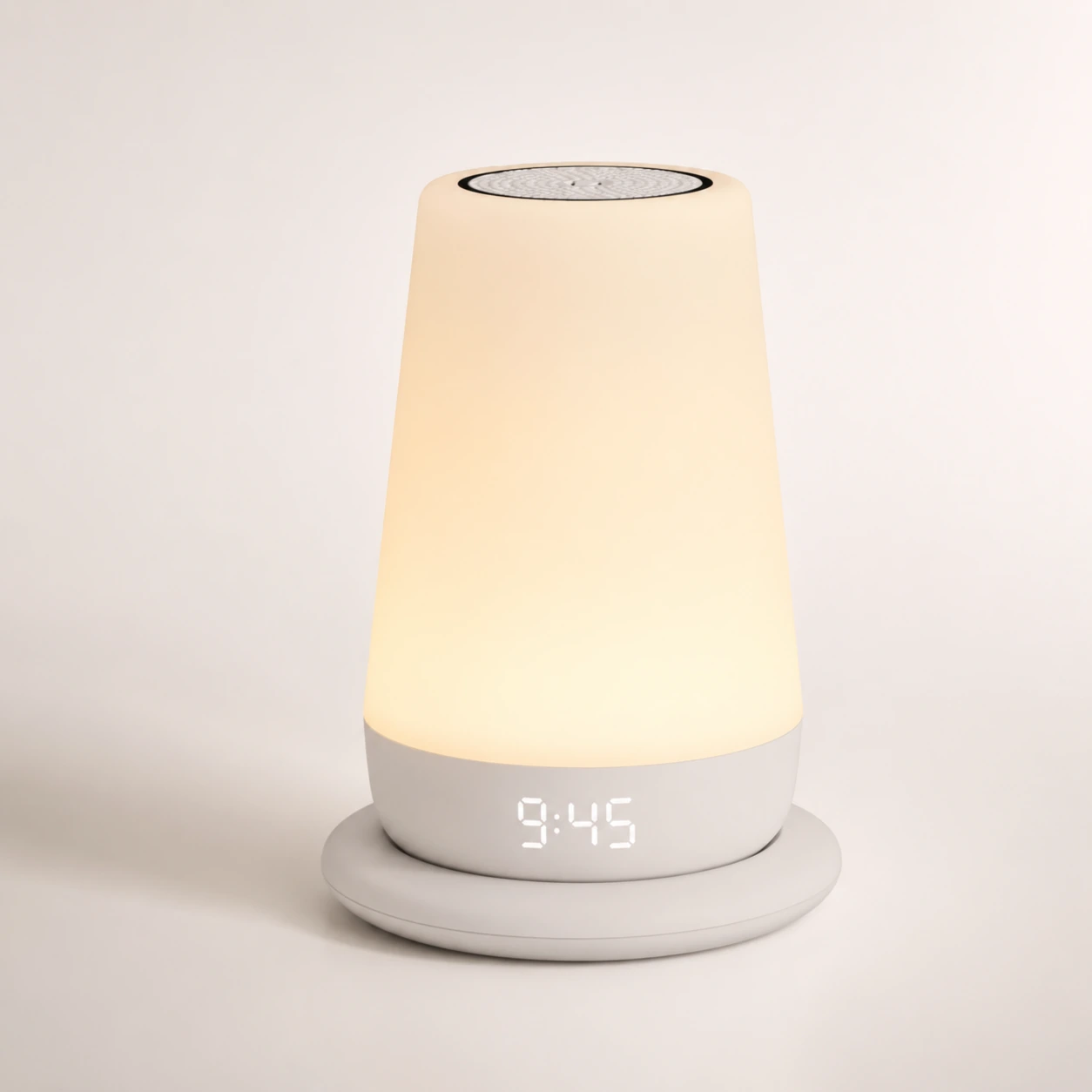
Hatch Rest+ 2nd Gen sound machine with its illuminated body and front clock

For rechargeable child-room sound

Hatch Rest+ 2nd Gen

The plus sign matters. Rest+ 2nd Gen has a rechargeable battery and charging base; Rest 2nd Gen does not gain that capability by being placed on a Rest+ base. Hatch documents this distinction explicitly in its .

Fit, limitations and buying check

Look at the model identification, included base and stated condition together. For a used rechargeable device, ask about battery condition rather than assuming the original specification describes the unit in the listing. Charge it and check the routine in the way you intend to use it.

Its child-room role is still different from a sunrise clock for an adult. A color cue can tell a child when the family considers morning to have started; that is not the same as a gradual dawn alarm intended to wake a sleeping adult. Choose it for the sound, light and portability requirements it actually meets.

Names that are easy to confuse

“Sleep Clock” is a model name, not another name for every Hatch device that sits beside a bed. Likewise, “Rest” and “Restore” do not describe interchangeable generations. Before following a tutorial, compare its title with the name on the unit or order confirmation. This is especially useful when a marketplace places several variants on one listing.

Bedtime plans are not sleep measurements

A child-room schedule tells the device what to do at a chosen time. Sleep Clock’s sensing attempts to estimate what happened during the night. A product can offer useful scheduling without collecting those estimates. Decide whether you need a cue, information, or both before comparing the apps.

Hatch Go is portable sound

is a separate portable sound machine with physical controls and a rechargeable battery. Hatch says it does not require an app, Wi-Fi or Bluetooth. That makes it relevant to travel sound, but it should not be substituted for a scheduled adult wake-up alarm simply because it is portable.

Before replacing a familiar device, list the behaviors you want to keep: the button that starts the sound, the action that stops the alarm, whether you hide the clock, and where it sits. Similar feature lists can conceal different controls. Check those actions while you can still return a purchase that does not suit you.

Hatch Restore Alternatives: What to Choose Instead

A sunrise-and-sound routine is not a universal answer to missed alarms. If the nonnegotiable requirement is a tactile wake signal, a very audible alarm, or a setup that another person cannot hear, begin with that requirement. The heavy-sleeper guide, vibrating alarm clocks and shared-bedroom choices address different problems.

You want no app at all

“Phone-down” describes bedside use, not a promise of app-free setup. Current adult Hatch specifications require an app and a 2.4 GHz network. If avoiding that setup is the actual goal, compare the Philips SmartSleep HF3520/60, Lumie Bodyclock Rise 100 and Dreamegg Sunrise 1 reviews through the sunrise alarm guide. Verify the exact model; similarly named connected variants can change the answer.

Want to change settings without an app? Compare Restore 3 with Philips HF3520/60.

You need a proven outage plan

The current adult setup instructions call for outlet power. The documentation reviewed here does not establish a complete backup-alarm promise through power loss or an offline cold restart. Do not transfer a Rest+ battery feature to a Restore or Sleep Clock. For a critical morning, choose a separately verified backup and rehearse it; the battery-backup guide explains what to check.

Adult setup requirements: , and the respective product specifications. Missing outage documentation is an evidence limit, not proof that every alarm stops during a network interruption.

Separate the clock price from Hatch+

On August 27, 2026, Hatch listed Sleep Clock at $249.99 and Restore 3 at $169.99 in the US, an $80 upfront difference. Compare prices from the same seller on the same day: a temporary promotion can change that gap. Do not carry an old sale price from one model into a current comparison with another.

For these two adult models, the product pages list an optional Hatch+ audio subscription at $5.99 monthly or $59.99 annually after the advertised 30-day trial. Sleep Clock’s sleep data does not require buying that audio subscription. The hardware purchase, audio membership and seller’s return period are three separate decisions. Review the and before checkout.

Plan around the features you intend to keep after a trial. If a particular story or routine is the reason for choosing Hatch, check whether it belongs to the paid library. If the basic light, sound and alarm are enough, compare the devices on that basis. A larger advertised audio catalog is not automatically better value for someone who plays the same sound every night.

The direct-store pages describe returns within 30 days of the ship date. A retailer may use different terms, so record the deadline from your own order. Leave time for setup, a normal week of use and a decision; do not assume a marketing “night” count starts when you first plug the clock in.

Make the final choice with one missing-job question

Ask what your present setup cannot do. If it cannot provide a convenient adult light-and-sound routine, begin with Restore 3. If that routine is already covered but you want contactless sleep information, examine Sleep Clock’s room and privacy requirements. For a child, compare the cue and power needs before looking at adult features.

Imagine the first ordinary morning. Who stops the alarm, where is the phone, and which control will that person reach? For a rechargeable model, who remembers to charge it? For an outlet-powered model, what is the backup arrangement? Resolve those details before a critical morning rather than relying on the size of a sound library.

Next comparisonSleep Clock or Restore 3?Compare tracking, bedside controls, privacy and the cost of replacing a working clock.

Hatch buying questions

Is the most recent adult Hatch called Restore 4?

The model covered here is named Hatch Sleep Clock. Hatch compares it directly with Restore 3. Use the exact name when checking a listing; do not assume “Restore 4” identifies the same product.

Can a Hatch+ subscription add sleep tracking to Restore 3?

No. Hatch’s model comparison identifies tracking as a Sleep Clock capability, not a Restore 3 subscription upgrade. Paid audio and sensing hardware are different things.

Does discontinued manufacturing mean an existing Restore 2 needs replacing?

Not by itself. Check whether your own clock still meets the routine you need. The manufacturing-status note changes the checks for a new purchase; it does not establish a failure date for a working unit.

Can the same guide cover every product called Rest?

No. Confirm Rest versus Rest+, the generation, and whether a charging base is included. Tutorials and marketplace titles sometimes omit the detail that determines whether the device is rechargeable.